WRECKED Controls Guide
Drive clean lines into crushers, recover from flips, and find Shop menus without fumbling.
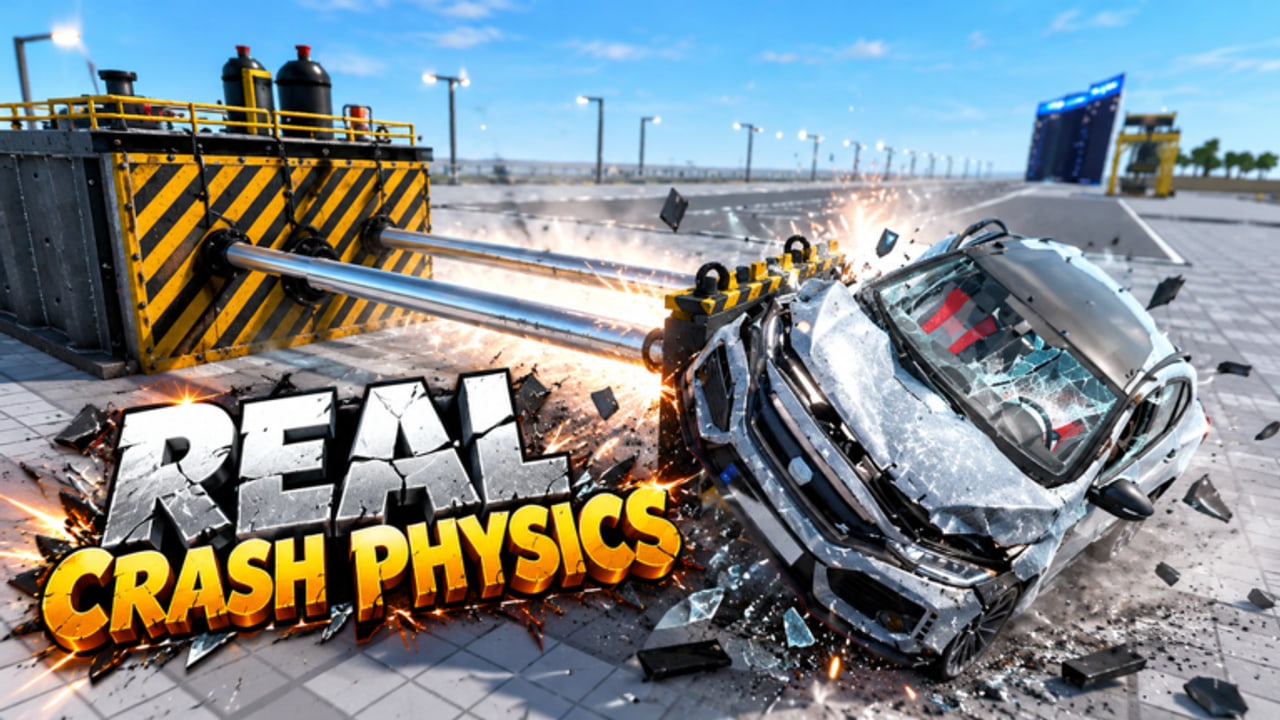
Clean controls separate accidental pileups from intentional wrecks in WRECKED [Realistic Crashes]. This page covers how to drive, look, recover, and open menus on BloxNG’s Roblox vehicle destruction sim so you can execute the routes in Earn Cash Fast and the techniques in the Machines Guide. Exact keybinds can vary with Roblox device settings—always check your platform’s Shift-lock / touch layout—but the habits below travel well across PC and mobile.
WRECKED is online multiplayer (server size 12) with free private servers for practice. If public chaos overwhelms your inputs, host a private server and drill here for fifteen minutes before returning to Getting Started goals.
Default Roblox vehicle expectations
Most sessions use standard Roblox driving metaphors:
| Action | PC (typical) | Mobile (typical) |
|---|---|---|
| Accelerate | W / Up | Touch throttle |
| Brake / reverse | S / Down | Reverse control |
| Steer | A/D or Left/Right | Steering UI |
| Camera | Mouse / right-stick style | Drag look |
| Exit vehicle | F or on-screen prompt | Exit button |
| Jump (on foot) | Space | Jump button |
If something feels inverted, open Roblox settings and confirm platform controls before blaming WRECKED. Game-specific HUD buttons for Shop, Settings, or Codes appear as on-screen GUI—learn their positions early so redemption later is easy (How to Redeem Codes).
Camera habits for smash lines
- Zoom out enough to see both your hood and the machine intake.
- Align while still 2–3 car lengths away; late steering causes bounces.
- Avoid extreme first-person for crusher approaches unless you already know the lane.
- After a hammer swing, re-orient camera before the next spawn so you do not drive blind into debris.
Good cameras raise cash-per-minute as much as better cars—tier lists assume you can actually hit the machine (Tier List Hub).
Recovery after flips and soft-locks
Realistic crash physics means you will flip. Fast recovery checklist:
- Stop holding throttle the moment you tip beyond saving.
- Exit if the vehicle is upside down and the prompt allows; sometimes resetting the car is faster than fighting physics.
- Re-spawn a fresh farm car instead of wrestling a hopeless wreck into a shredder.
- Use a bulldozer to shove stuck husks out of intakes (Machines Guide).
- On mobile, watch for thumb overlap that accidentally steers while you try to exit.
Private servers are ideal for practicing recovery without twelve players laughing—friendly as that can be (Community).
Approaching each machine type
| Machine | Control focus |
|---|---|
| Crusher | Straight throttle, minimal last-second steer |
| Shredder | Steady commit; micro-reverse if partially grabbed |
| Hammer | Speed control to match swing cadence |
| Bulldozer | Low-speed pushing; avoid high-speed ricochets |
Explosives (Dynamite / Rocket Launcher passes) need aim discipline—do not fire while your camera is still spinning from a flip. Pass details: Game Passes.
Menus, shop, and quality-of-life
- Open Shop with the HUD button, not random key spam.
- Confirm purchases deliberately; misclicks hurt early accounts.
- Note where Codes / Redeem will live even though mid-November 2026 has no widely published working codes (Codes Hub).
- If GUI scales poorly on your resolution, adjust Roblox app settings, then rejoin.
Nitro and movement assists
Infinite Nitro (~229 Robux, approximate) changes control feel by extending boost windows. Practice boosts in a private server so you do not overshoot crusher mouths on publics. Movement features inside optional scripts (teleports, recovery assists) are separate from legitimate controls—read warnings on the Scripts Hub and Auto Crash Farm before mixing executor tools with normal play.
Device-specific tips
PC: Stable mouse camera makes hammer timing easier; consider higher FOV if available through Roblox settings. Keyboard steering is precise for shredder feeds.
Mobile: Use a private server until touch steering feels natural. Larger UI scale helps hit Shop without mis-tapping boost. Play in landscape.
Console / gamepad (if available via Roblox): Sensitivity tuning matters; reduce look accel so machine approaches stay straight.
Practice routine
- Spawn farm car.
- Ten crusher approaches focusing only on alignment.
- Five intentional flips with recovery drills.
- Two hammer timing runs.
- Open and close Shop twice without buying.
- End session by reviewing next unlock on Machines Tier List.
Related pages
Control mastery is quiet power. When every approach lands, WRECKED’s smash fantasy becomes a rhythm instead of a wrestling match with physics.
Frequently Asked Questions
Quick answers to the most common questions.
What are the default driving keys in WRECKED?
Expect standard Roblox vehicle controls (WASD or touch steering). Confirm in Roblox settings if anything feels wrong.
How do I open the Shop or Codes menu?
Use on-screen HUD buttons. Labels can move after updates—rejoin if missing. Codes UI tips are on How to Redeem.
My car flipped—what now?
Stop throttling, exit or respawn if needed, and clear wrecks with a bulldozer. Practice recoveries in a free private server.
Does nitro change controls?
It adds boost authority that can overshoot machines. Train in private servers before using it on crowded publics.
Are mobile controls viable for farming?
Yes after practice. Start private, enlarge UI if needed, then move to public servers.
Do scripts replace learning controls?
No. Scripts break after patches and carry ToS risk. Manual control skill keeps you productive—see Scripts Hub.